Press & Brand
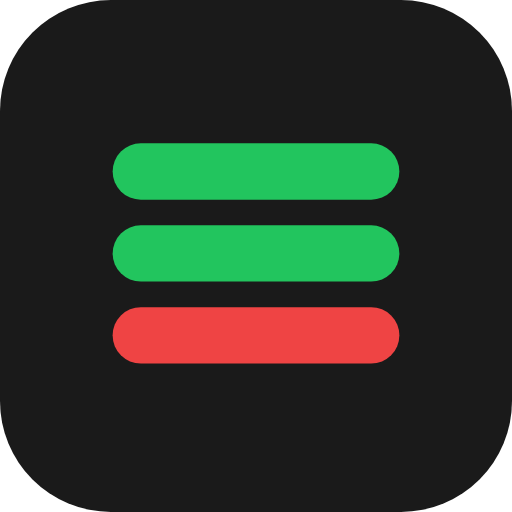
PluginHub brand assets
For vendors, partners, and anyone displaying the PluginHub badge on their site or marketing materials. Download the assets you need below.
Badges

























PluginHub Mark (icon only)

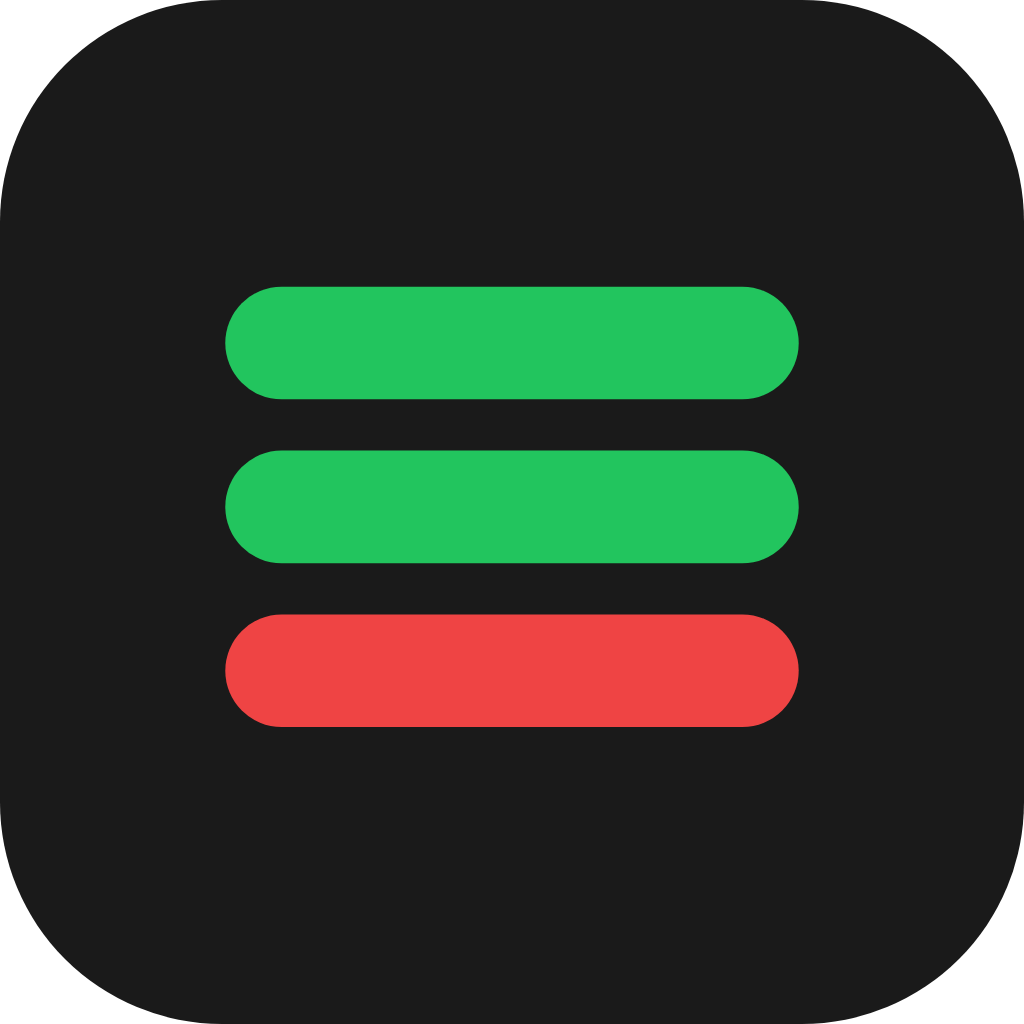
App Icon (square tile)
Usage guidelines
Badge styles
- Horizontal pill — best for headers, footers, and inline placement next to other partner logos
- Stacked compact — best for sidebars or any vertical layout
- Outline — most subtle, best for footers or where minimal visual weight is needed
Each badge comes in a Dark version (use on light backgrounds) and a Light version (use on dark backgrounds).
Do
- Use the badge on your product pages, software pages, or anywhere you list the platforms your plugins are compatible with
- Maintain at least 16px of clear space around the badge on all sides
- Link the badge to https://pluginhubapp.com when used as an interactive element
- Choose the dark or light version based on your background — readability matters most
Don't
- Don't recolor the bars (green/green/red is the brand)
- Don't separate the icon from the wordmark within the same badge composition
- Don't add drop shadows, gradients, glows, or other effects to the badge
- Don't rotate, skew, or stretch the badge
- Don't display the badge smaller than 16px tall (mark) or 24px tall (full badge)
- Don't use the badge to imply official endorsement, partnership, or certification beyond plugin compatibility
Naming
Always written as PluginHub — one word, two capital letters. Not "Plugin Hub", "Pluginhub", or "PLUGINHUB".
Recommended placements
- Product page — near the platform compatibility list (Mac / AAX / VST / AU)
- Footer — alongside other partner or integration badges
- Marketing emails — near the "Compatible with…" section
Need something else?
Need a custom badge variant, additional file formats, or have a question about usage? We're happy to help.
support@pluginhubapp.comThe PluginHub name and badge are trademarks of Halcyon Digital LLC. © 2026 Halcyon Digital LLC.